top of page


Services
How to use
Icebreaker
Step One
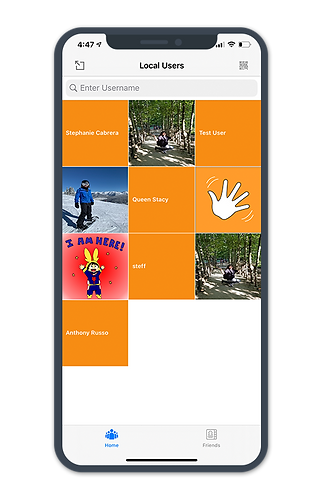
Find Local users by sharing your location.
Step Two
Find a user you've connected with in-person and scan their code. You can only add the user if you have their unique QR code!

Step Three
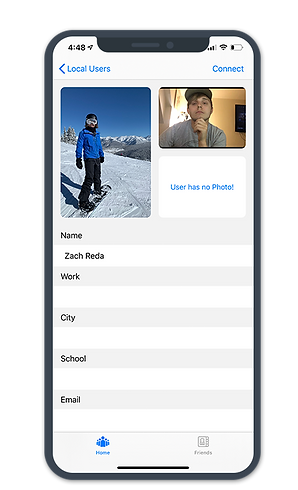
Once you become friends, you can see their profile information.
Step Four
Create a collection or scan the events collection so that you can create custom folders for their profiles.


Step Five
Scan the QR code of the user you have met at the event.

Once their information is scanned, you can organize them in a group that you’ve attended.
Step Six
bottom of page